XGRIDSDocs
  • 简体中文
  • English
  • 繁體中文
  • 日本語
  • Deutsch
  • Español
  • Italiano
  • 简体中文
  • English
  • 繁體中文
  • 日本語
  • Deutsch
  • Español
  • Italiano
  • Lixel CyberColor

    • LCC Studio

      • Getting Started
      • Version and Updates
      • Download and Installation
      • Interface Overview and Navigation
      • Pre-Reconstruction Work
      • Model Reconstruction
      • Single Model Reconstruction
      • Map Fusion
      • Aerial-Ground Map Fusion
      • Aerial Reconstruction
      • My Models
      • Other Features
      • Settings and Account
      • Video Reconstruction
    • LCC Scene Editor

      • Version and Updates
      • Account and Sign-In
      • Product Overview and Home
      • Editor Interface
      • Navigation Modes
      • File
      • Settings
      • Edit
      • Window
      • Global Toolbar
      • Assets and Properties
      • Left Toolbar
      • Viewpoint
      • Skybox
      • Annotation
      • Measure
      • Flythrough
      • Scene Report
      • 3D Layout
      • Preview Mode (Viewer)
      • Help
      • FAQ
    • LCC Model Editor

      • Overview and Interface
      • File Operations
      • Selectors
      • Editing Models
      • Measurement
      • Color Grading
      • Asset Management
      • Settings and Help
    • Version History

Aerial-Ground Map Fusion

Aerial-Ground Map Fusion fuses drone-captured aerial images with ground capture data for multi-perspective, multi-scale integrated modeling. It more comprehensively restores the spatial structure and detail of large complex models, improving the completeness and realism of 3D models.

Workflow

Upload Ground and Aerial Data

  • Ground Data: Upload data files captured by L series or PortalCam devices. The interface displays the corresponding device type.
  • Aerial Data: Select the folder containing drone-captured images. Note the following when selecting:
    • The folder should contain between 100 and 10,000 images.
    • Only JPG and JPEG format images are supported.
    • Image resolution must be higher than 1024×768, and all images must have consistent resolution.
    • For PortalCam devices, you need to upload aerial photos and takeoff/landing point photo folders at the corresponding aerial-ground fusion points (if no aerial-ground fusion point was marked at the drone takeoff/landing point during capture, uploading aerial photos directly may result in reduced aerial-ground fusion quality or reconstruction failure).

Set Model Name and Parameters
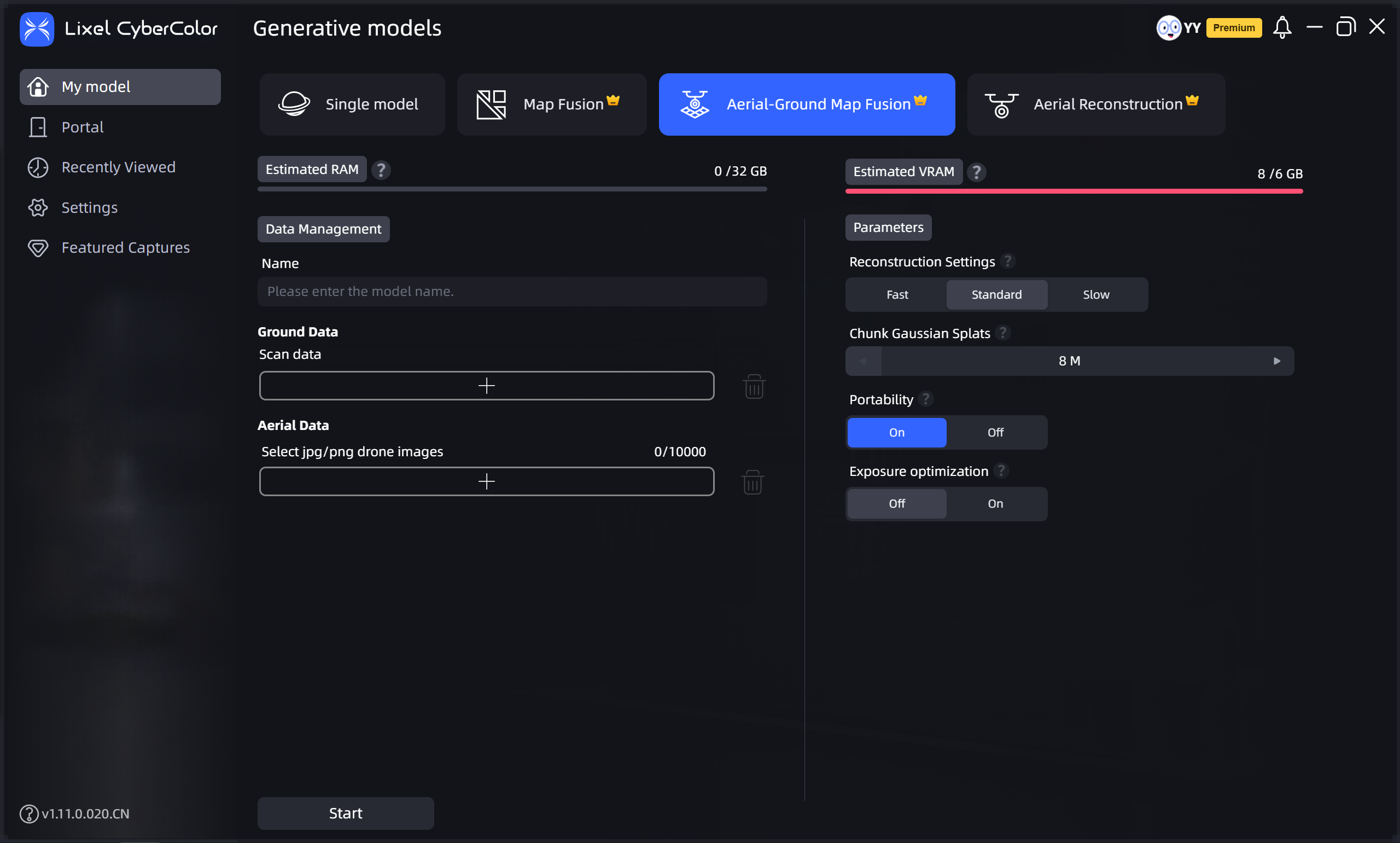
Aerial-Ground Map Fusion
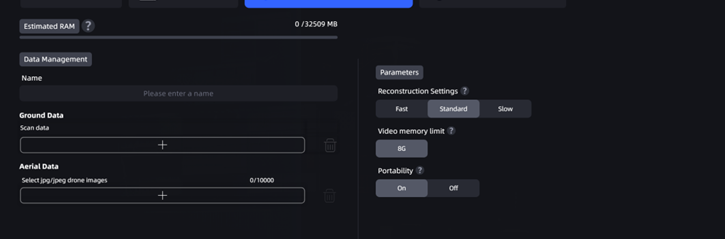
Aerial-Ground Map Fusion

Aerial-Ground Map Fusion (without control points)
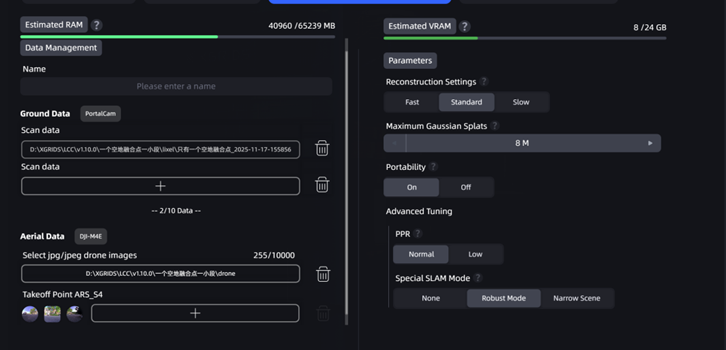
Aerial-Ground Map Fusion (without control points)

Aerial-Ground Map Fusion (with control points)

Aerial-Ground Map Fusion (with control points)

Prev
Map Fusion
Next
Aerial Reconstruction